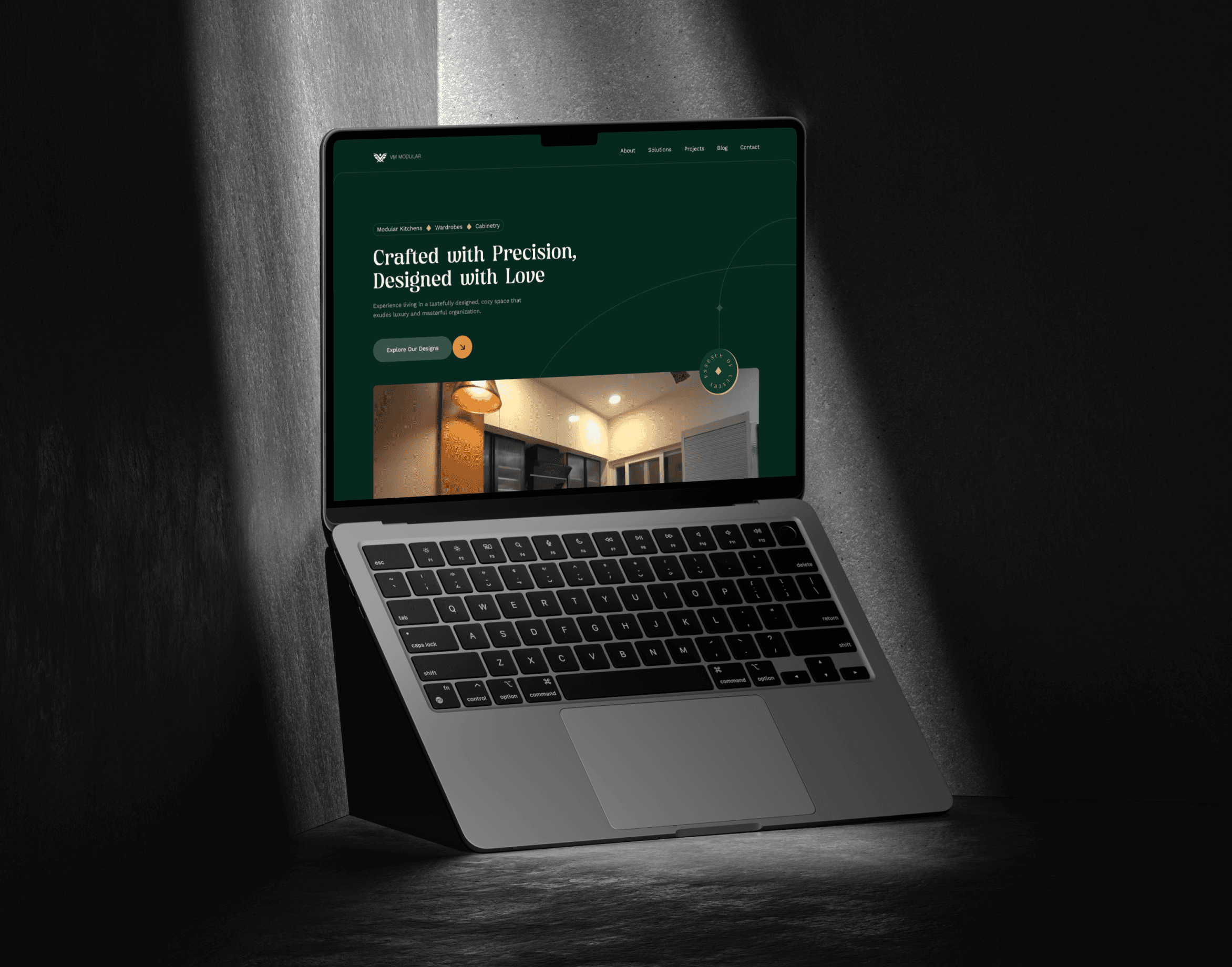
Accelerating Product Design with AI-Powered Prototyping
A feature case study on simplifying website feedback collection while integrating AI into the UX design and prototyping workflow.
Team
Sr. Design Speciatlist (That’s Me) & Dev Team
My Role
Feature Design & Prototyping
Details
Industry
SaaS Platform
Date
April 2026
Tools
Figma, Claude Code, Netlify
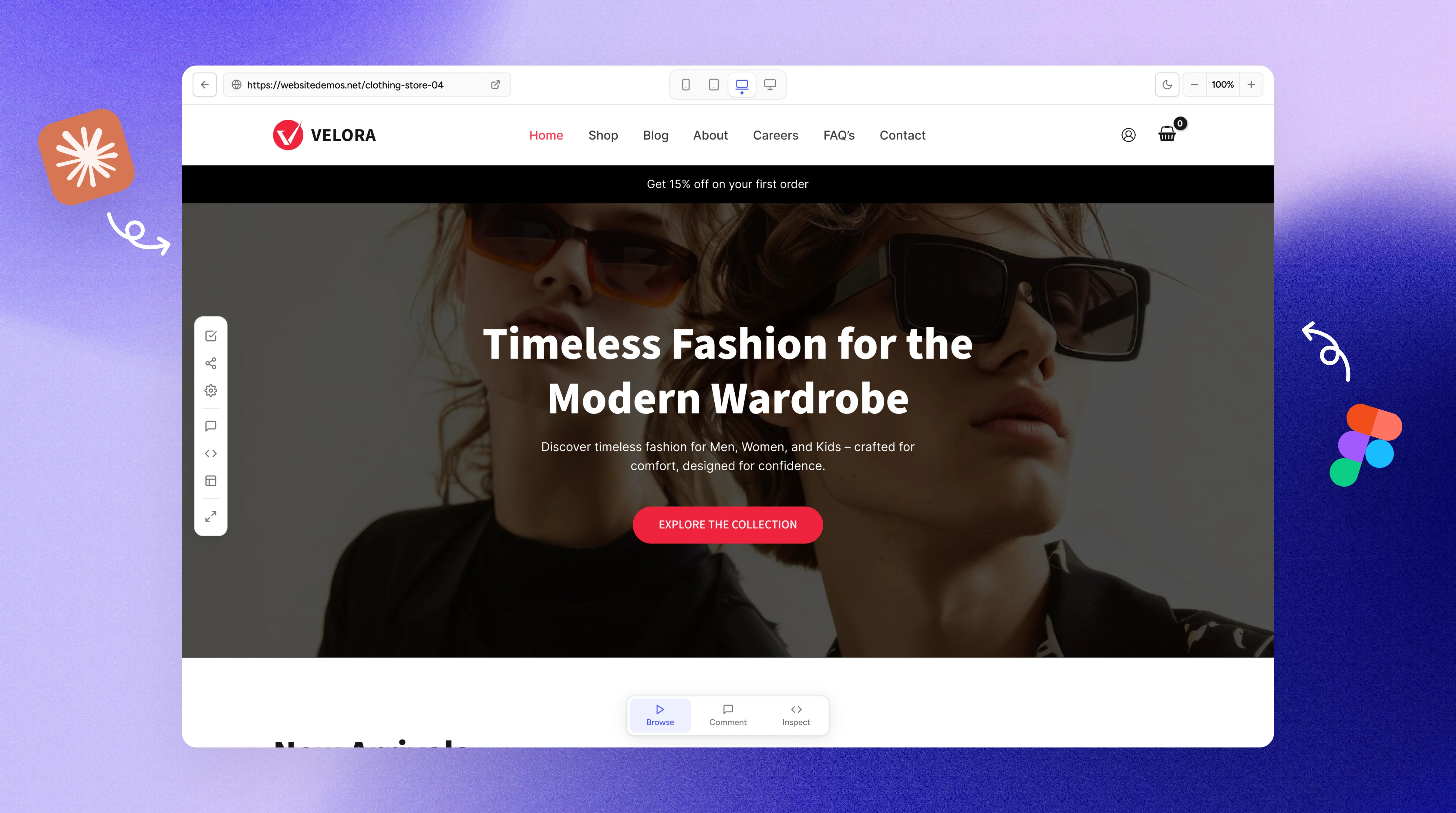
About SureFeedback
SureFeedback is a collaborative feedback platform that allows teams to review websites and visual assets using pinpoint comments and contextual collaboration.
Teams can share websites, leave precise feedback directly on interfaces, and streamline communication between designers, developers, clients, and stakeholders.
Problem Statement
Reducing Setup Friction for Non-Technical Users
One of the key pain points in the existing workflow was onboarding websites for feedback collection.
For non-WordPress websites, users were required to manually inject a script into their HTML before feedback functionality could be enabled.
While reducing onboarding friction was the primary goal, the feature evolved into a much broader effort focused on improving the overall website feedback experience.
Beyond instantly adding website URLs, we explored how users could review, inspect, and collaborate on websites more efficiently within a single workflow.
The objective was to create a more interactive and context-aware feedback environment that allowed users to move seamlessly between browsing, reviewing, inspecting, and collaborating without breaking their flow.
To accelerate the design and prototyping process, I incorporated Claude Code into my workflow alongside Figma.
Step 1
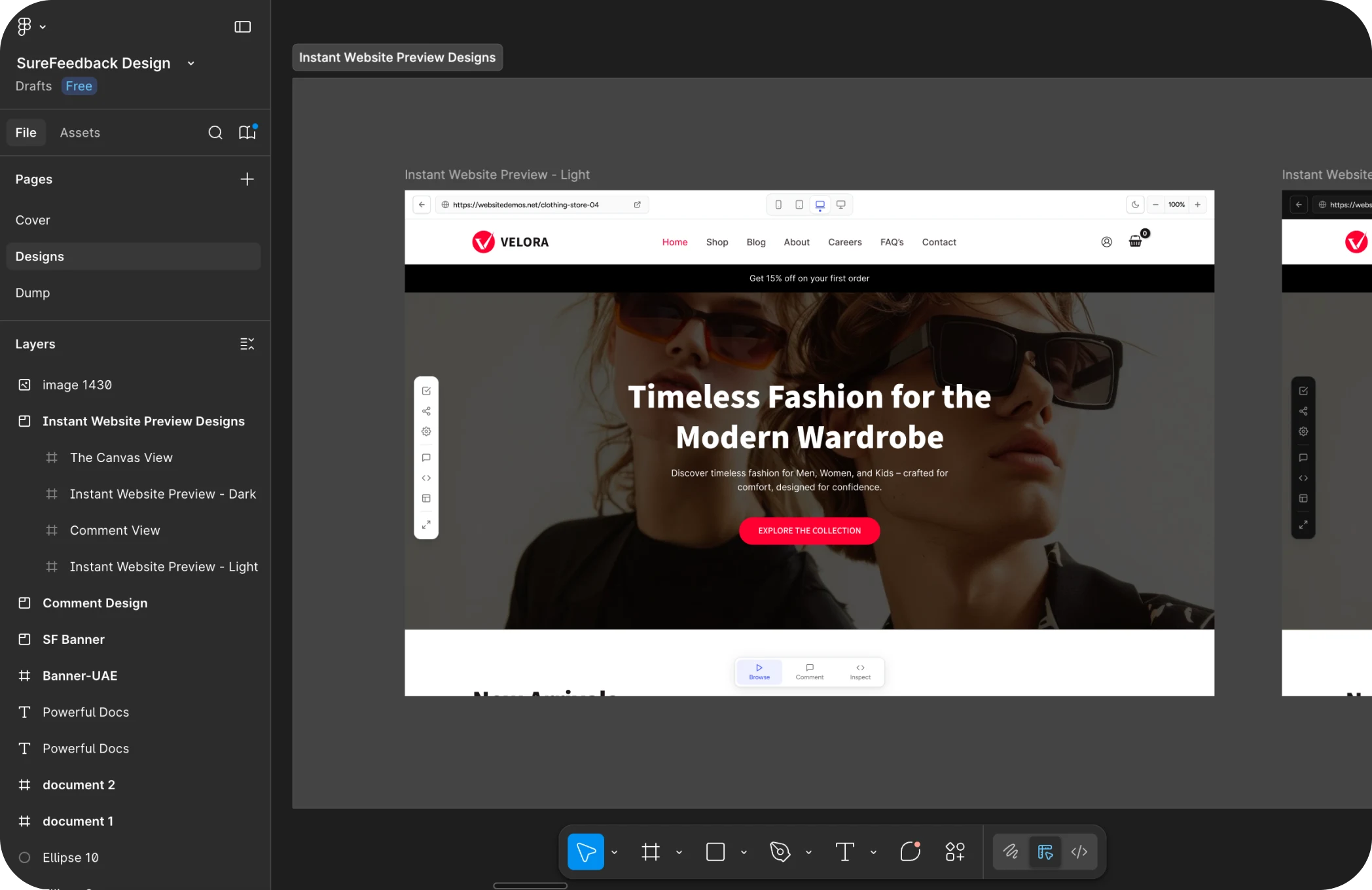
Design Idea in Figma
I first designed the core UI and flows in Figma to establish the overall experience and align with the existing product ecosystem.
Step 2
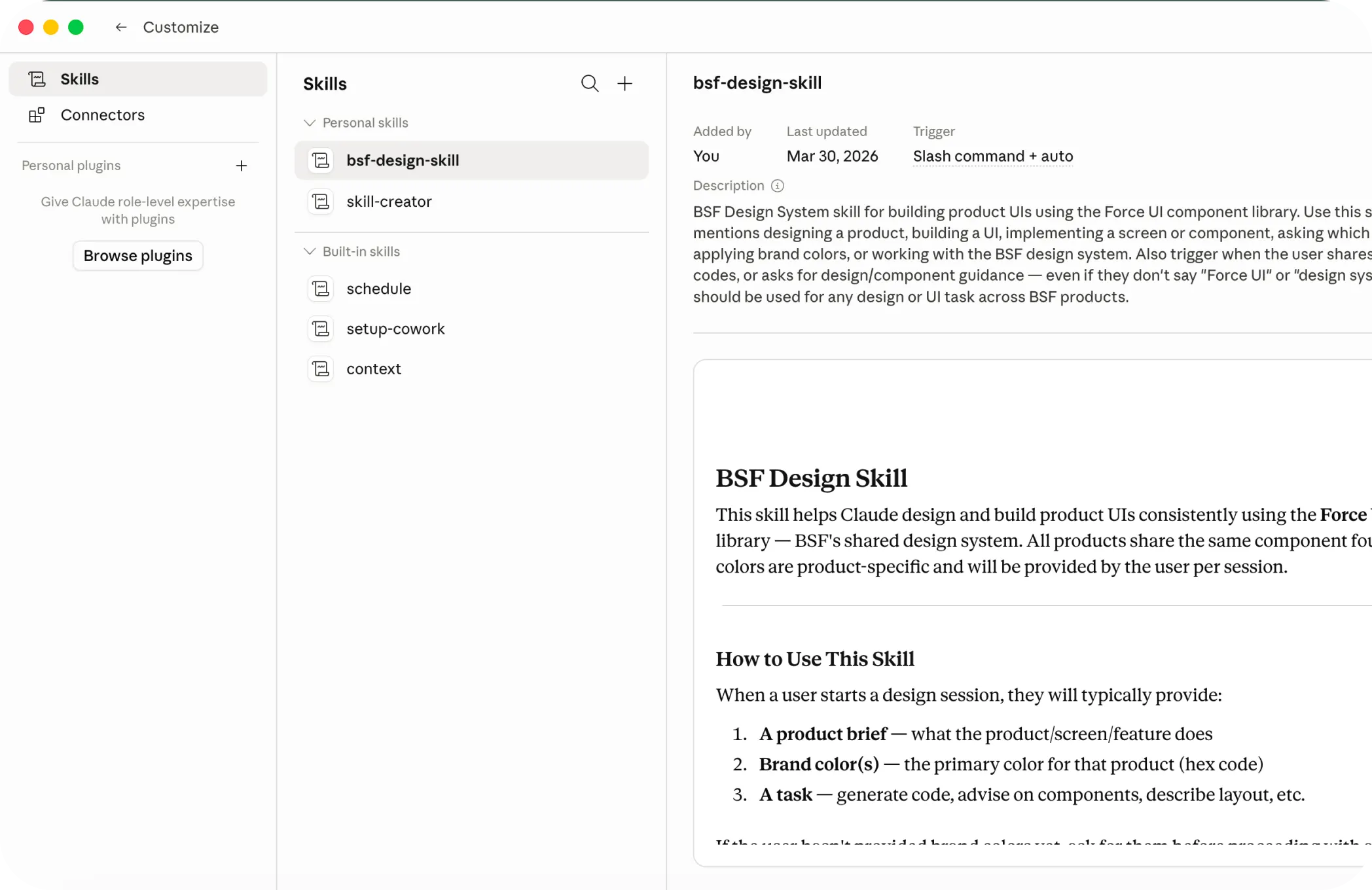
Creating a Claude Skill
To maintain visual consistency, I provided Claude with the product’s design system and created reusable skills that helped generate UI aligned with the established patterns instead of producing generic interfaces.
Step 3
From Static Screens to
Interactive Flows
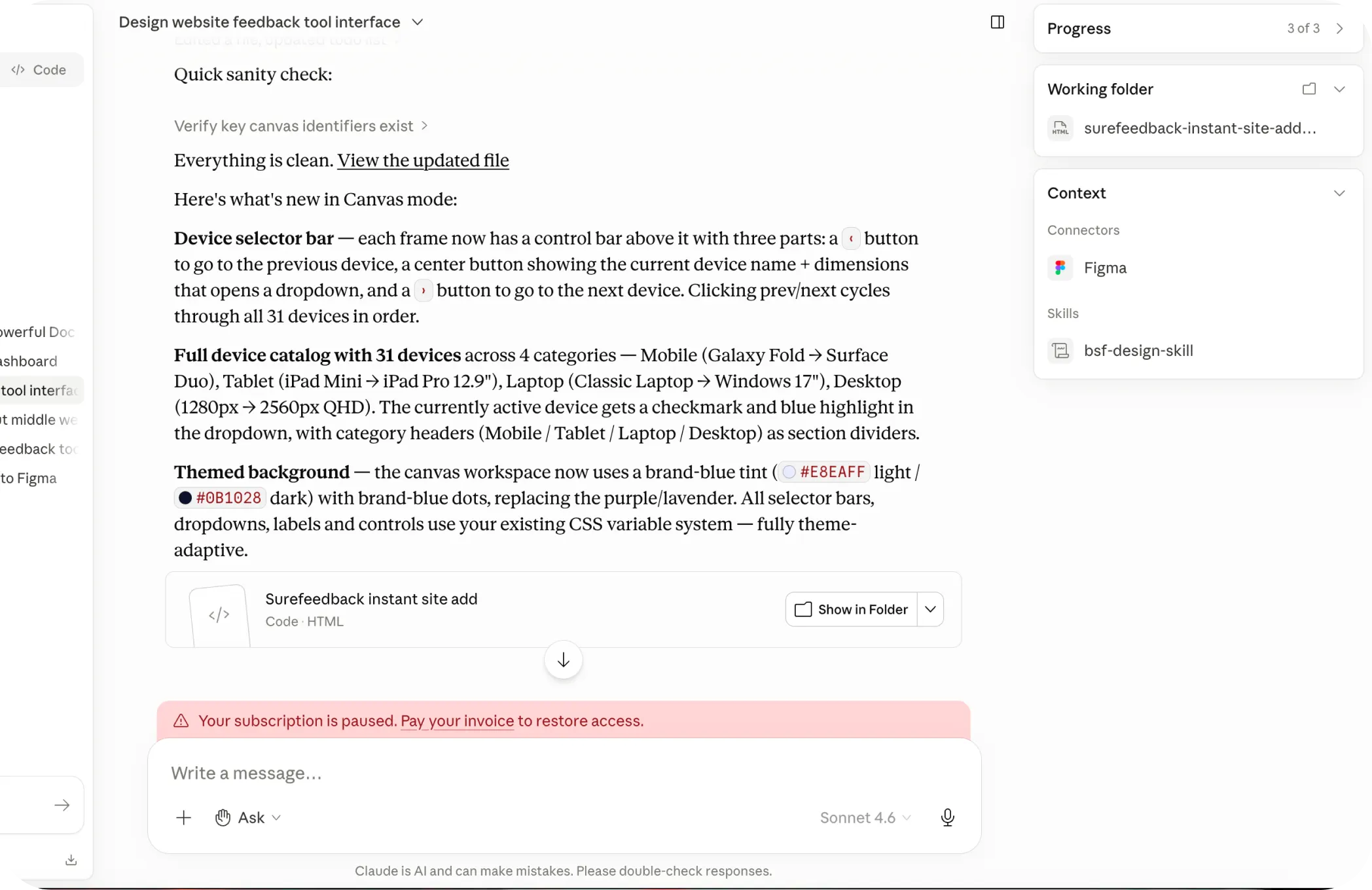
Once the initial screens were ready, I used Claude to iterate on interactions and refine complex flows that would have otherwise taken significant time to prototype manually in Figma.
Using AI significantly reduced the time required to validate ideas and visualize interactions.
Step 4
Translating Design into
Functional Prototype
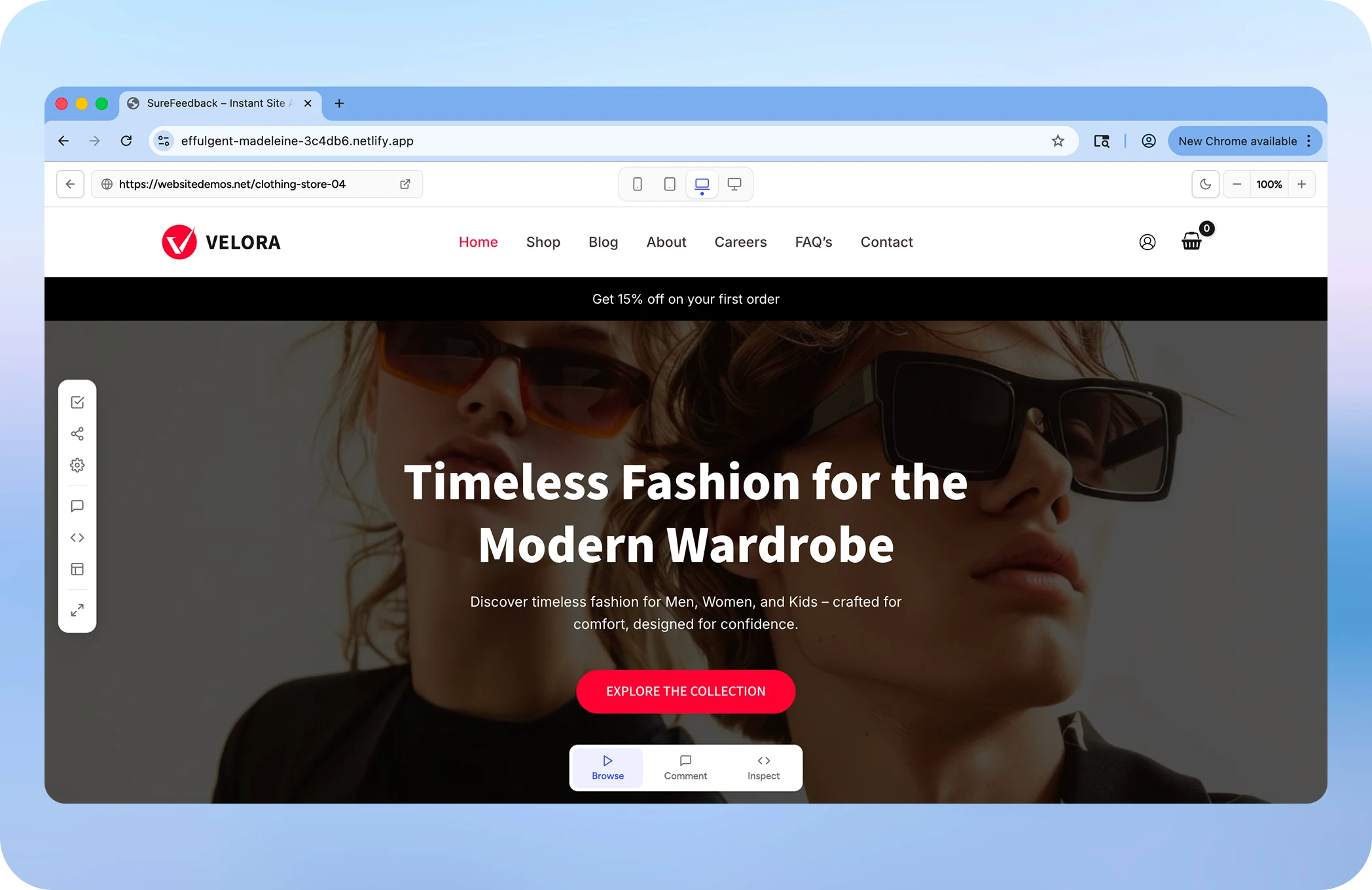
Instead of relying solely on static mockups, I used Claude Code to transform the UI into a working prototype that captured both the interface and interaction logic. The prototype was then deployed on Netlify and shared with the development team to streamline communication and handoff.
Live Prototype
Watch Feature Walkthrough
A walkthrough explaining the interaction flows, UX decisions, and prototype behavior shared with the development team.
Feature Enhancement
Features we came up with to improve the overall feedback experience of the product
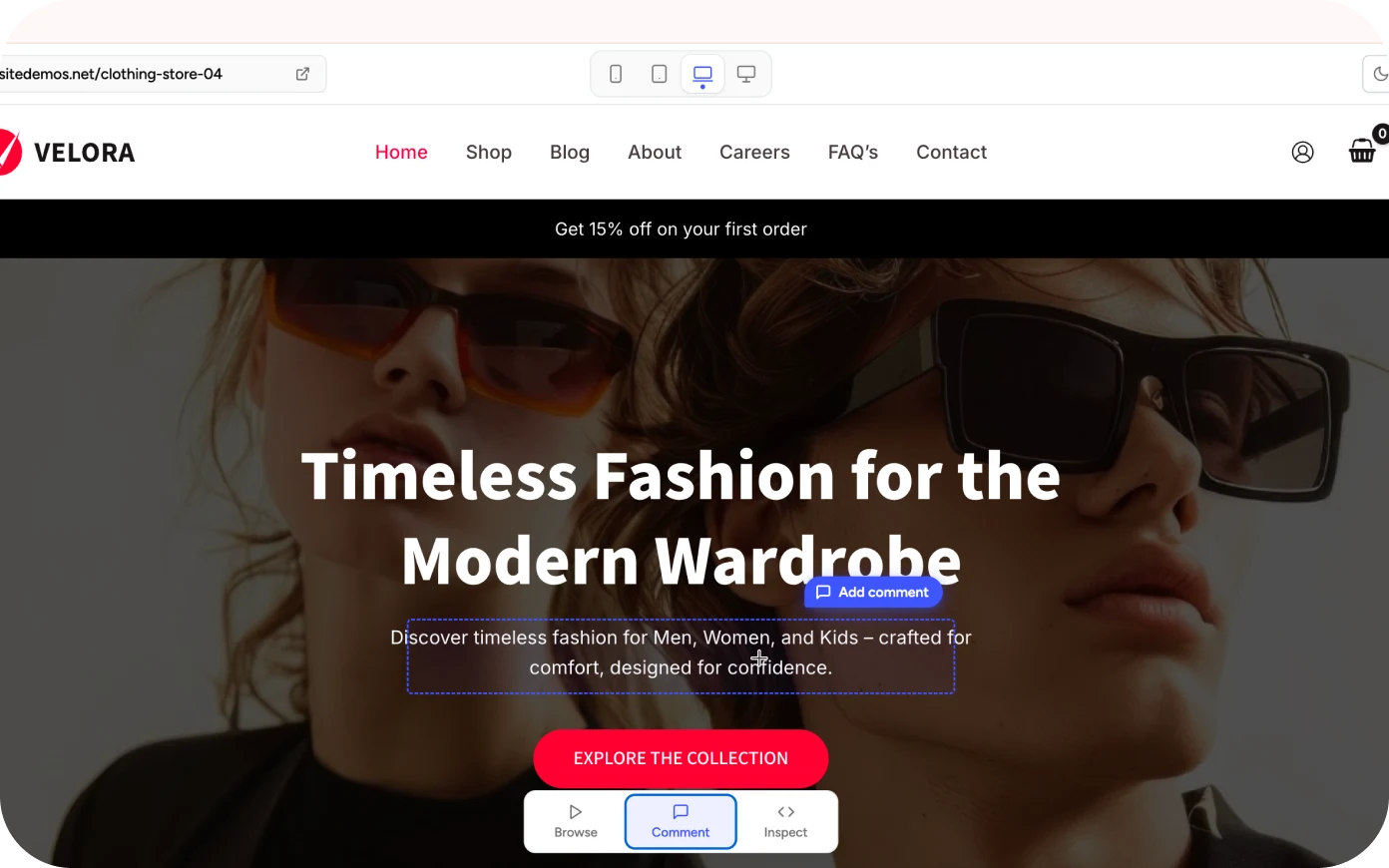
Smart Commenting Mode
Users could switch between browsing and commenting modes to leave precise feedback directly on website elements such as headings, buttons, images, or sections.
Inspect Mode
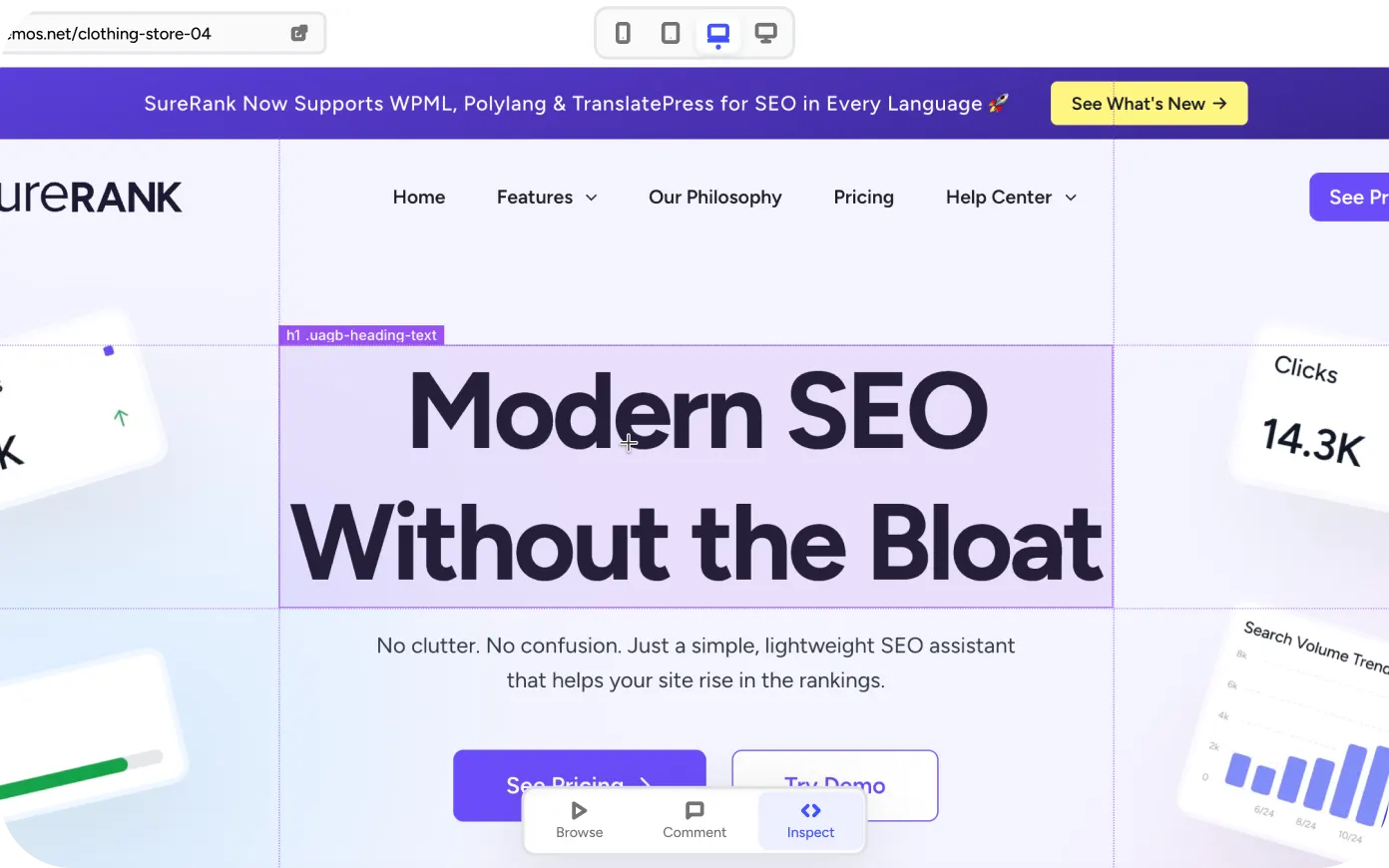
Inspired by browser inspection tools, users could inspect elements to view details like typography, colors, spacing, and styling information directly within the experience.
Responsive Canvas View
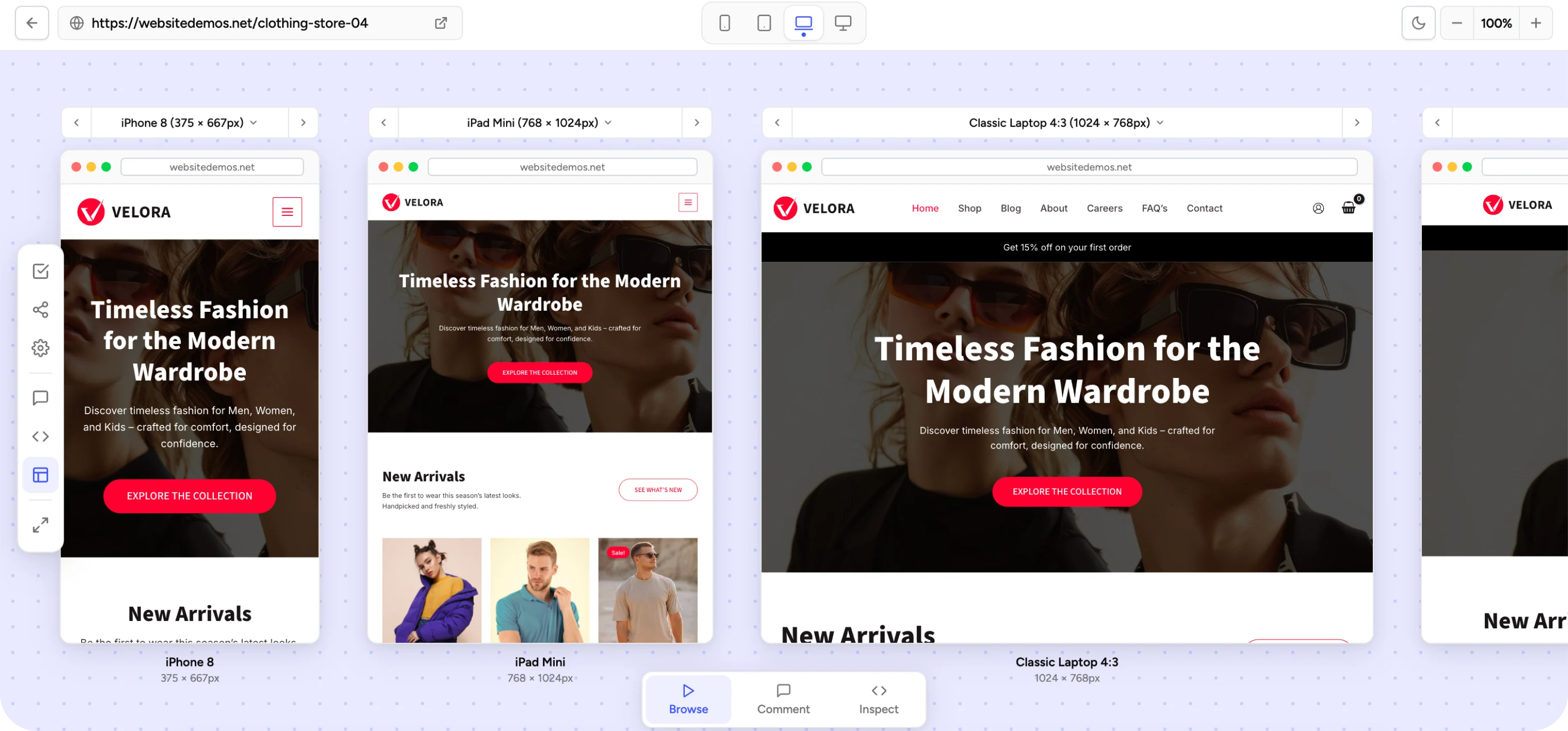
A dedicated canvas mode allowed users to preview websites across multiple responsive breakpoints simultaneously including mobile, tablet, laptop, and desktop views.